Play images,
your menu
& videos
on your TV screens
Digital Signs / Menu
Your
menu.
On screen.
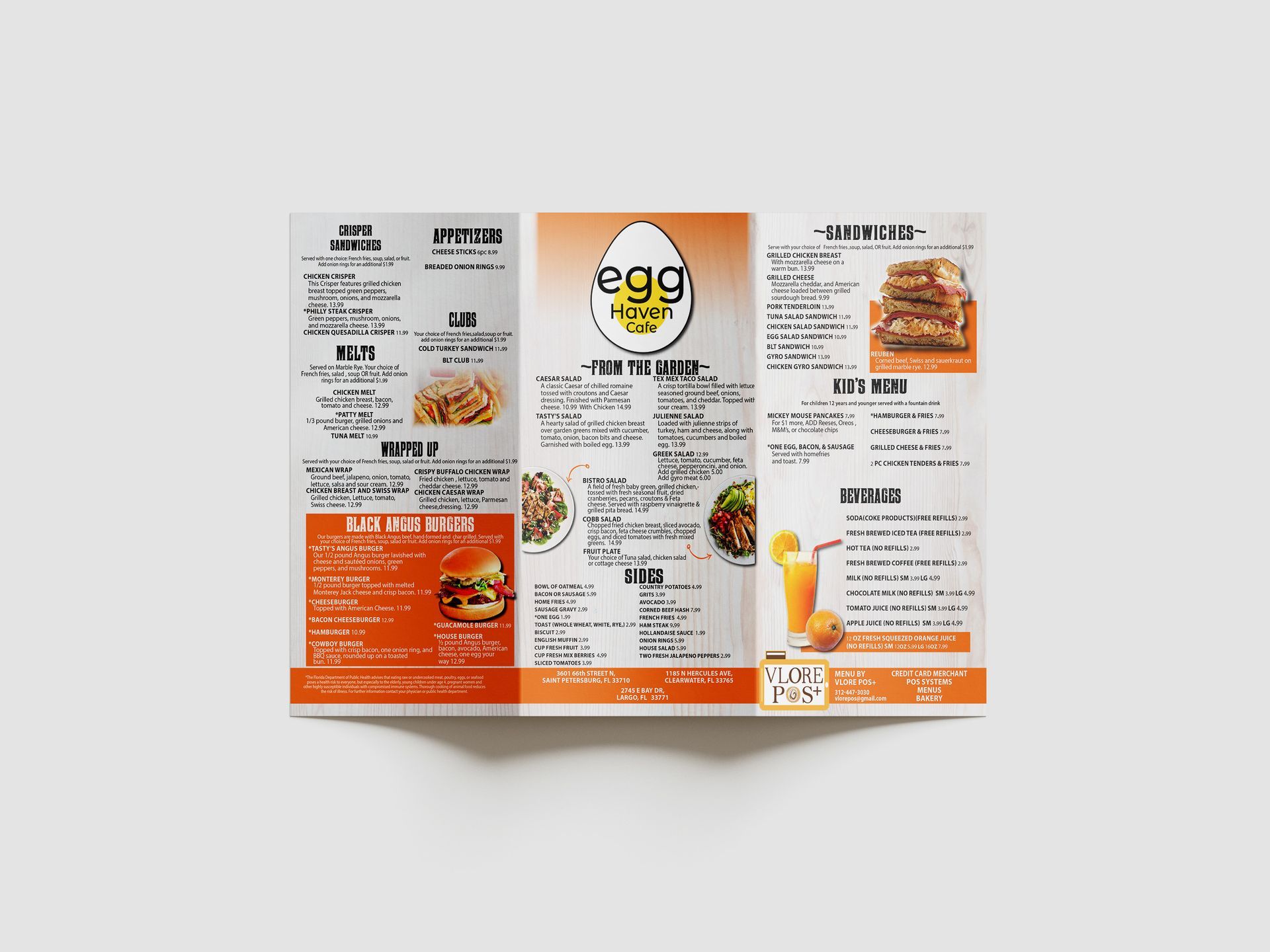
Illustrative displays. Not a software interface.
How it works
Three steps.
Your screens.
Step 1 Your screen
You need a TV or any digital screen, no need for it to be a smart TV.
It can be a consumer or commercial TV.
Any TV will do.
Step 2 Your player
If you need a player, you can use an Amazon Firestick.
Step 3 Connect & install
Connect your Fire TV stick to your screen, then search for "Sign Player - Digital Signage" in the search bar and install it.
Poster creation. Device Setup. Support.
View plans
Digital signs.
On your screens.
You will need to buy your TV.
Included in your plan
List of Services
-
✔️ Poster creation Write a description for this list item and include information that will interest site visitors. For example, you may want to describe a team member's experience, what makes a product special, or a unique service that you offer.List Item 1
-
✔️ Device setup Write a description for this list item and include information that will interest site visitors. For example, you may want to describe a team member's experience, what makes a product special, or a unique service that you offer.List Item 2
-
✔️ Support Write a description for this list item and include information that will interest site visitors. For example, you may want to describe a team member's experience, what makes a product special, or a unique service that you offer.List Item 3
Online ordering
$0
FREE